Reviews your shoppers can trust
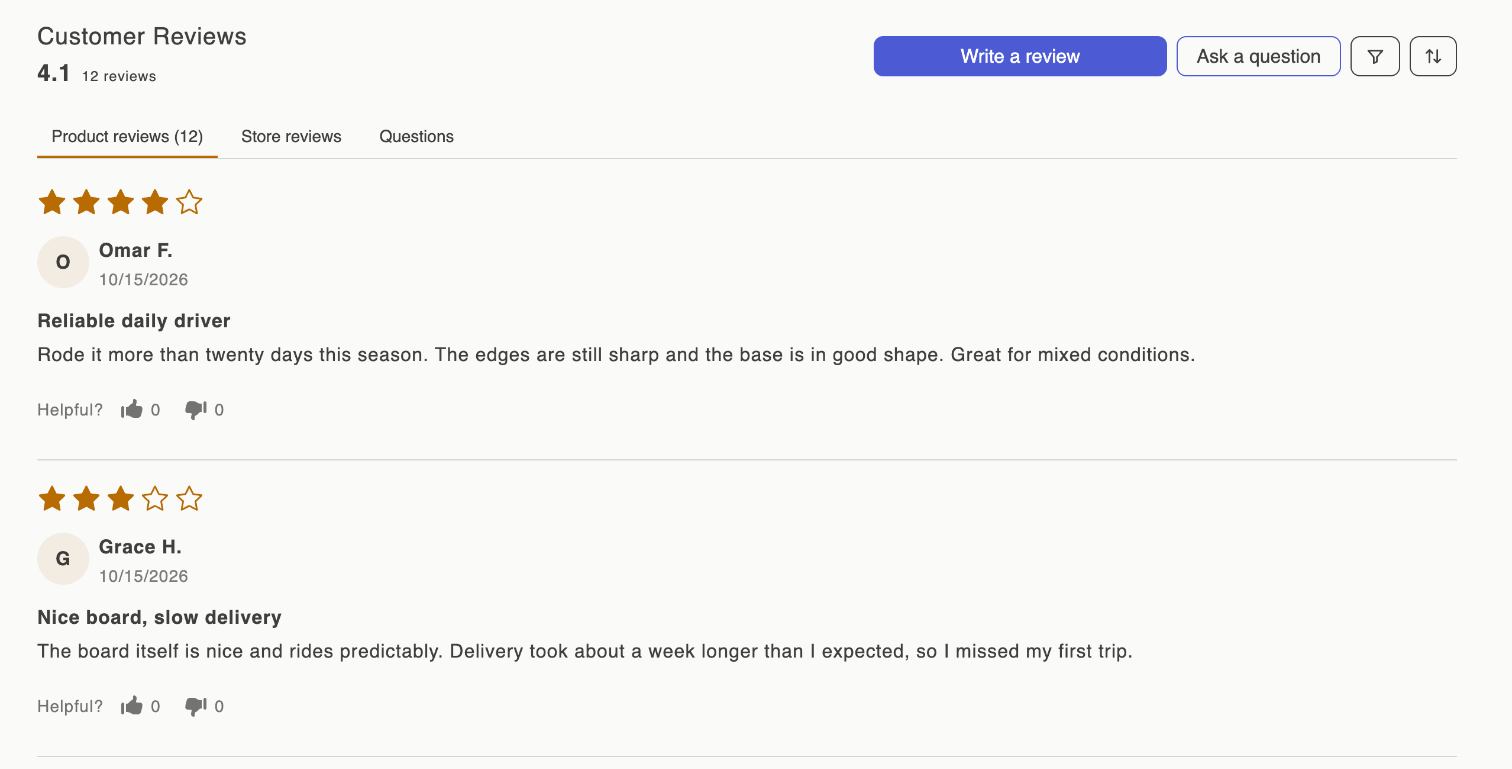
Sofcy Reviews collects product and store reviews, with photos and videos, from your customers. You moderate and reply in the Shopify admin, and show the reviews in star badges, widgets, carousels and an all-reviews page that match your theme.
Quickstart
Install, turn on the app embed, add the review widget, and start collecting.
Storefront widgets
Every block and app embed, where it goes, and what each setting does.
Collect reviews
Request emails after fulfillment, reminders, review links, QR codes and imports.
Manage reviews
Publish, hide, reply, pin and tag reviews, and answer customer questions.
Emails
Edit the request, reminder, confirmation, reply and coupon emails.
Troubleshooting
Reviews not showing, emails not arriving, an import that failed.
How it fits together
Sofcy Reviews has two halves.
- The app, in your Shopify admin under Apps › Sofcy Reviews. This is where reviews arrive, where you moderate and reply, and where you set up review requests, emails, rewards and display rules. It has four pages: Home, Reviews, Analytics and Settings.
- The storefront, through your theme. You turn on the Sofcy Reviews app embed once, then add blocks such as the Review widget and Star rating badge in the Shopify theme editor. Blocks show only published reviews.
A review can come from the form on your product page, from a review request email, from a review link or QR code, or from an import. Whichever way it arrives, it lands on the Reviews page, where you decide whether it is published.
What it does
- Collect product and store reviews with photos and videos, plus customer questions.
- Request reviews by email after an order is fulfilled, with up to two reminders.
- Import reviews you already have from another review app or a spreadsheet.
- Moderate with auto-publish rules and spam, personal-information and profanity checks.
- Show reviews in more than a dozen widgets, with Google rich snippets for search results.
- Reward reviewers with discount codes, and customers with referral codes.
- Measure where reviews come from and how ratings break down.
Plans
Most of the app is free, with no limit on reviews, requests or widgets. A paid plan, Awesome, adds answering questions, custom email text, coupons, referrals and a few more. See Plans and billing.
New here? Quickstart gets you from installed to collecting reviews in a few minutes.