Review widget
The main block for product pages. Shoppers read reviews, filter and sort them, vote them helpful, and write their own or ask a question.
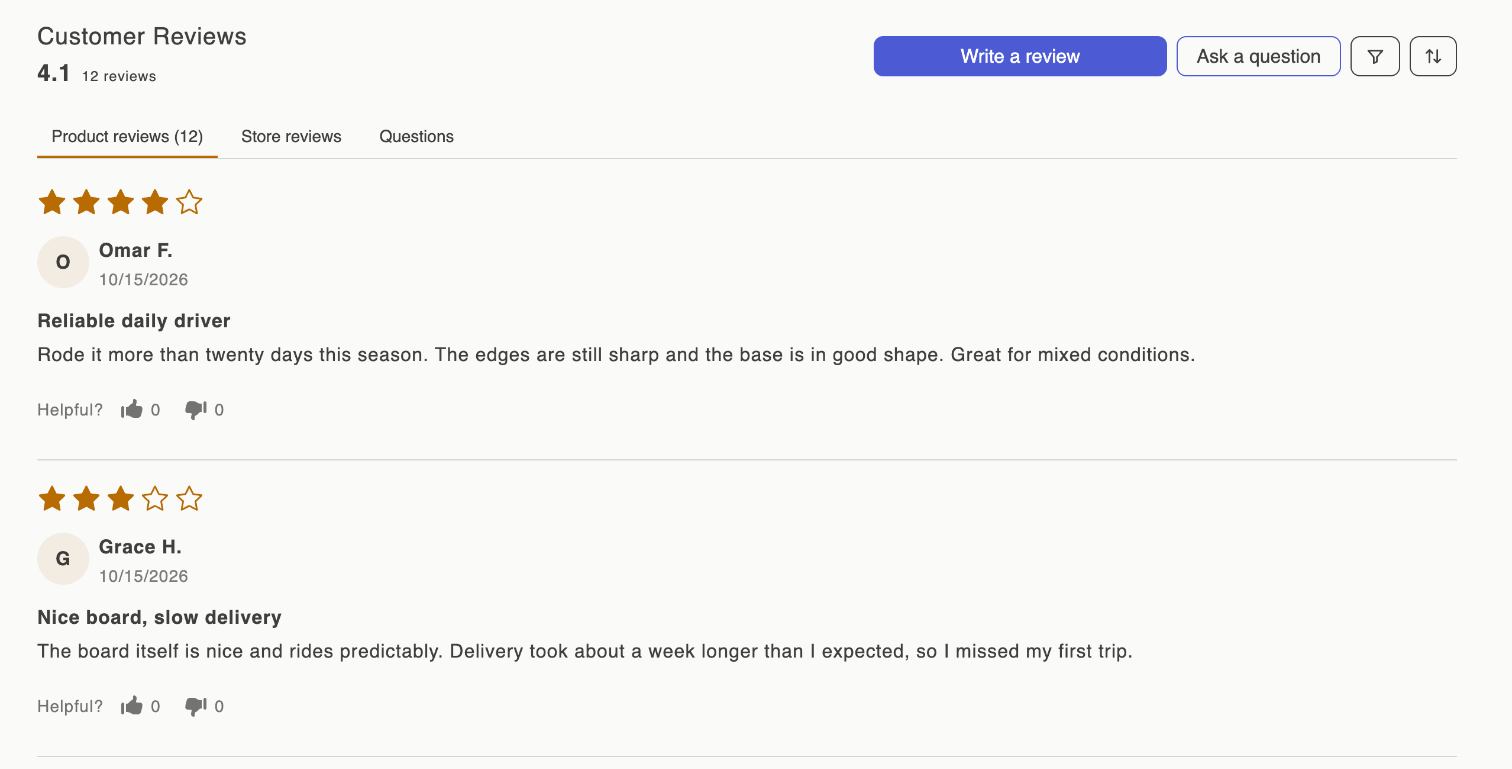
What shoppers see
- Your heading, the average rating and the number of reviews.
- Write a review and Ask a question buttons.
- Three tabs: Product reviews, Store reviews and Questions. The Questions tab shows answered questions only.
- Each review with its stars, name, date, title, text, photos and videos, your public reply, and a Helpful? thumbs up or down.
- Numbered pages.
Once the product has published reviews, a filter button (by star rating) and a sort button appear. Sort options are Most recent, Highest rating, Lowest rating, Only pictures, Pictures first, Videos first and Most helpful. Most recent puts pinned reviews first.
For the steps a shopper goes through to write a review, see The review form.
Add it
- On Home, click Enable Reviews Widget in the setup guide, or click Install on Review Widget in Settings › Widgets. The theme editor opens your product template with the block added.
- Drag it below the product details, or wherever you want it.
- Click Save.
The block anchors at #sofcy-reviews, which the Star rating badge links to.
Customize it in the app
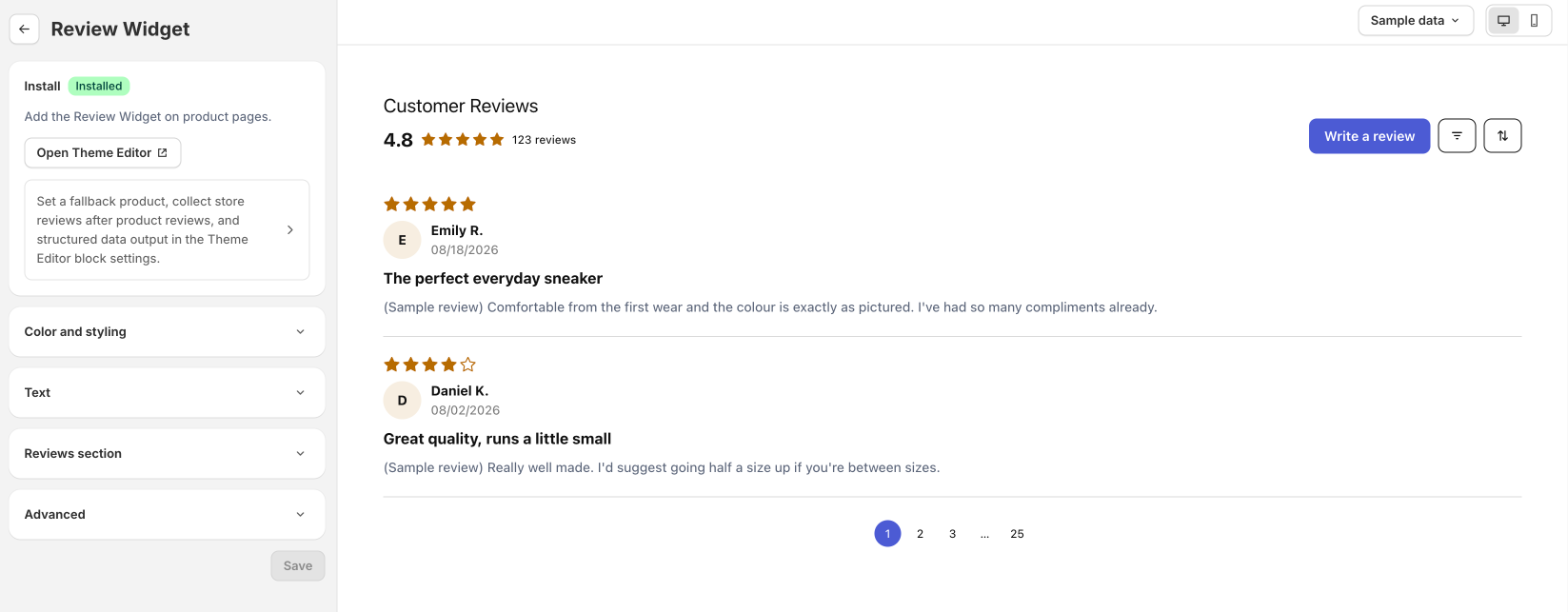
Go to Settings › Widgets and click Customize on Review Widget. Changes show in the preview straight away, and reach your store when you click Save.
| Section | Settings |
|---|---|
| Color and styling | Star and bar chart color (used by every widget's stars, and by the review form), Button color, Button text color. |
| Text | Widget title, default Customer Reviews. Button labels are in Language. |
| Reviews section | Reviews per page, 3 to 20. Default 5. |
| Advanced | Show the Review Widget on your storefront. Turn it off to hide the widget everywhere without touching your theme. |
Theme editor settings
Click the block in the theme editor to see these.
| Setting | What it does |
|---|---|
Product outside product pages | The product to show when you place the block somewhere other than a product page. With none chosen, a cart holding one product can supply it. |
Offer a store review after a product review | After a shopper submits a product review, ask Would you like to share your experience of shopping with us? with a Write a store review button. Off by default. |
Heading | Default Customer Reviews. The app's Widget title replaces it once saved. |
Reviews per page | 3 to 20. Default 5. The app's setting replaces it once saved. |
Add product aggregate rating JSON-LD | Adds review data for Google to product pages. On by default. See Google rich snippets. |
Questions and answers
The Questions and Answers card in the widget gallery is this same widget. There is nothing extra to install: questions live in the Questions tab. See Questions and answers.